
How can parents track a school bus?
Ask the school’s transport office which tracking app it uses, install it, and sign in with the phone number or code the school registered for you. You will see the bus during each trip and, with some apps, when your child boards and gets off. If the school has no tracking, ask it to start a pilot.
- You cannot track a school bus on your own: the school or bus operator has to set it up and add your child.
- Sign in with the exact phone number the school has on record; most failed sign-ins are a different number.
- A good app shows how recent the bus position is, and tells you when your child boards and gets off, not only where the bus is.
- If your school has no tracking, a short written request from several parents is the fastest way to get it.
Step 1: ask the school which app it uses
School bus tracking apps only show buses their school has set up, so the first step is a question, not a download. Ask the transport office, the class teacher or the school’s parent app which tracking app it uses. Large school groups often run their own app; others use a vendor’s.
The school will also tell you how you sign in: usually the phone number it has on record for you, sometimes a code or a link.
Step 2: install it and sign in
Install the app from the Play Store or App Store, or open the link the school sent. Sign in with the exact number the school registered; if it does not recognise you, the school has a different number on file.
Allow notifications. The useful part of a tracking app is the alert when your child boards or gets off, and those arrive as notifications.
What you should see
A good school bus app shows more than a moving dot. Check for these in the first week:
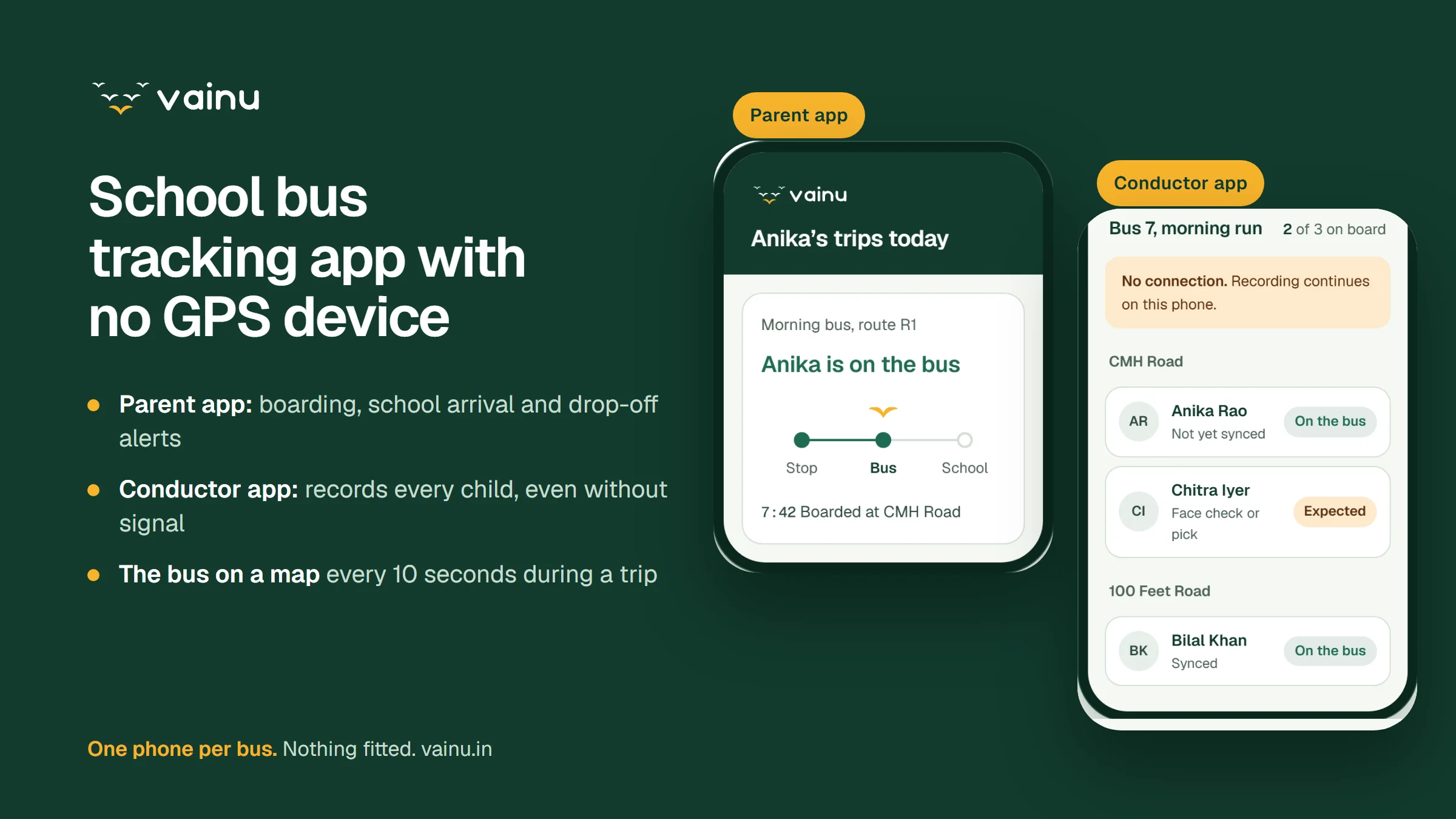
- Where the bus is during the trip, and how many seconds or minutes ago that position was sent.
- Only your own child’s bus, and nothing outside trip times.
- An alert when your child boards, arrives at school and is dropped off, if the school records attendance on the bus.
- A way to tell the school your child is not travelling today.
- A phone number for the transport office when something looks wrong.
When the bus seems stuck
If the bus has not moved on the map for a few minutes, check how old the last position is. A position that is minutes old usually means the phone or device on the bus has lost signal, not that the bus has stopped.
Do not rely on the map alone: call the transport office if the bus is late and the position is old. In Vainu, the school’s dashboard flags a bus that has stopped reporting, so staff can call the conductor first.
If your school has no tracking
Write to the school, ideally with a few other parents from the same route. Ask for a record of when each child boards and gets off, not only a map, and ask where children’s data would be kept. Our ten questions for parents cover the rest of what to ask about the bus.
Tracking no longer needs a box wired into every bus: a phone carried on the bus can do it, as our guide to tracking without a GPS device explains. Schools can plan a pilot of Vainu on one route first.
Until then, some vans share live location from the driver’s phone in a parents’ group. Our guide to free tracking apps explains what that does and does not tell you.
Track your child’s bus: common questions
How to track GPS of school bus?
Use the tracking app or link your school provides and sign in with the number it registered for you. The bus’s GPS position is shown during trips. You cannot track a school bus without the school setting it up.
Is there an app to track school buses?
Yes, many, but each only shows the buses of schools that use it. Ask your school which one it uses; the parent app is usually free.
How can I track my bus location online?
Some school tracking systems give parents a web link that opens in any browser; others need an app. Either way, the school sends you the link or sign-in details.
How do I know my child got on the bus?
Only if the school records attendance on the bus, with a card, a QR code or a conductor’s confirmation. A map alone shows the bus, not your child. Ask the school whether it sends boarding alerts.
Sources
Each source was opened and checked against this guide on . Rules change: confirm the current version with your board or transport department.